Are you struggling to keep track of hazardous chemicals in your facility?
Accessible Safety Data Sheets
Find Critical Safety Information Quickly
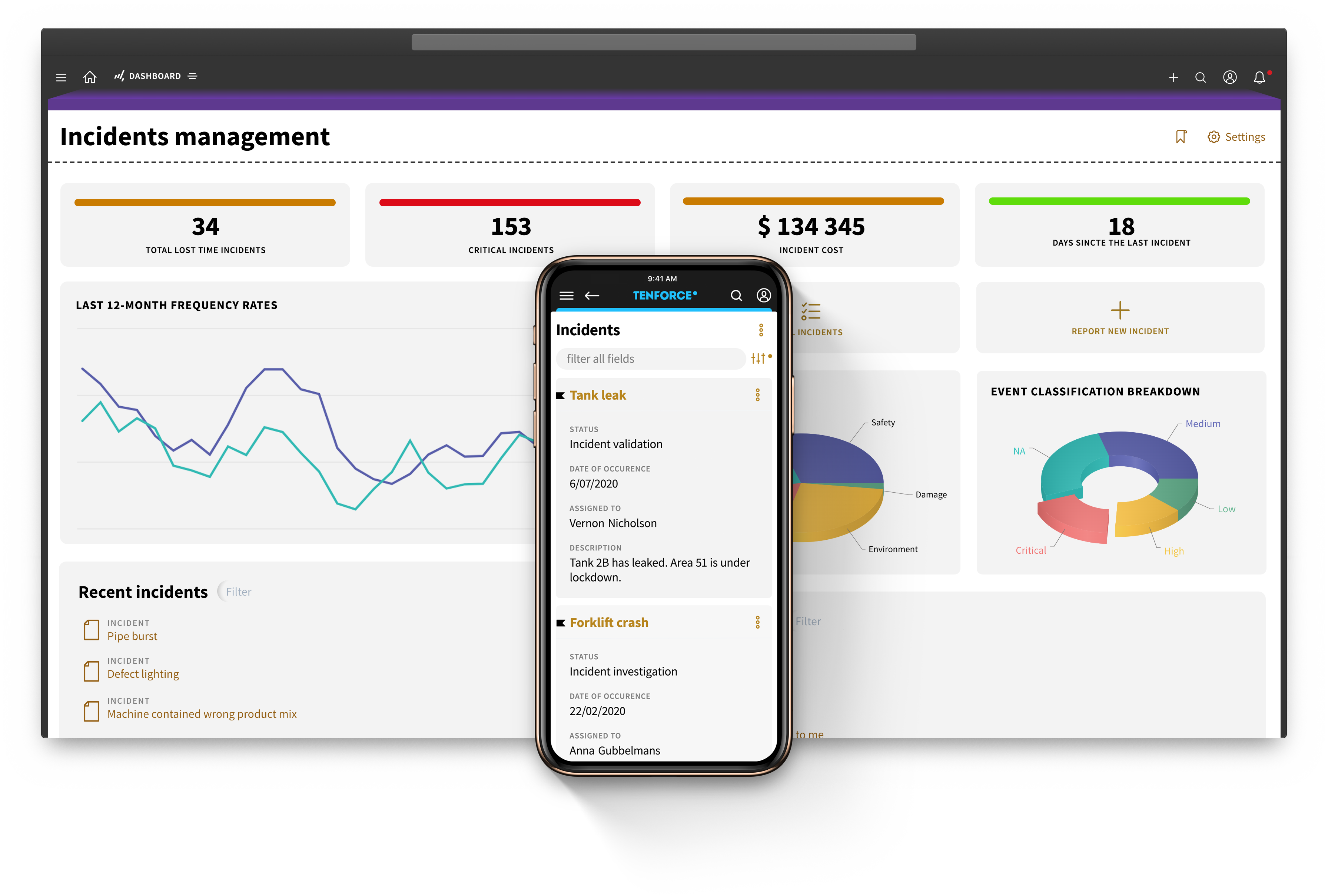

Track the entire chemical lifecycle, from procurement to disposal
1
Identify and map hazards
- Collect comprehensive data on chemical composition, hazards, handling procedures, and regulatory requirements
- Enter data in a structured way, detailing hazard information and precautions
2
Generate, review and distribute SDSs
- Generate safety data sheets that comply with regulations like OSHA's HCS or GHS
- Review documents for accuracy and completeness before approving
- Distribute SDSs electronically to relevant stakeholders
- Provide easy access and comply with record-keeping requirements
3
Store and maintain documents
- Map hazards linked to chemicals and find what you're looking for quickly with advanced filter and search functions
- Provide access to original SDS documents, track changes, manage versions, and identify obsolete versions promptly
- Automate updates and revisions to keep SDS documents current and compliant
4
Manage suppliers
- Keep detailed records of hazardous chemicals from suppliers
- Enter data in a structured way, detailing hazard information and precautions
- Analyze, support, automate, and monitor compliance processes and provisions
Access chemical information in just a few clicks
Manage your chemical inventory with confidence
Simplify your chemical inventory and log new products to assess potential hazards. Maintain an overview of all chemicals on site and automate tracking from procurement to disposal.
Stay up to date with REACH and other regulatory requirements.
Keep your SDS library up to date
Keep safety data sheets current and organized, adding new chemical information with ease. Use custom tags to quickly find what you need and access crucial information anytime, anywhere.
Stay on top of updates with automatic reminders.
Reduce risks with safety precautions
Make your SDS library easily accessible to all employees so they can quickly find safety information and conduct risk assessments.
Update obsolete safety data sheets promptly to reduce accidents and injuries.
Seamlessly integrate with other TenForce modules to unify your EHSQ processes
Audit & Inspections
Incident Management
LoTo
Permit to Work
Management of Change
Shift Management
Risk Management
Competence management
Quality management
Contractor Management
SAFETY DATASHEETS
MECHANICAL INTEGRITY
Document control
Complaint Handling
Environmental Management
CAPA
Environmental reporting
Compliance calendar
Dive deeper into this topic
From Audit Agenda to Signed Report: What’s New in TenForce
There’s a lot more to running an effective audit than a good checklist. Auditees need to know when they’re involved and what evidence to prepare. Auditors need clear responsibilities and a reliable way to turn findings into action.
The latest updates to TenForce Audits & Inspections help your teams plan, conduct, and close audits with less back and forth by bringing audit types, agendas, roles, findings, actions, and final reporting into one connected process.…
The Future Is WOW: Celebrating 25 Years of TenForce
Hot on the heels of our company celebrations came The Future Is WOW, and with it, our chance to mark 25 years of TenForce with our customers.
We gathered at Silo in Leuven’s Vaartkom for a whistle-stop tour of TenForce’s past, present and future. And because no anniversary celebration is complete without a party, we added cake, a DJ set, collector’s-edition customizable TenForce T-shirts and the obligatory goody bags.
First, though, we traveled back to 2001.…
What Better Safety Leadership Looks Like
Dr. Ken Wagner has spent thirty years studying why some safety programs fail and why others stick. As founder of Daylight Advisory and a doctorate holder in Cognitive and Behavioral Psychology, he’s worked with organizations across six continents to help their leaders understand where safer performance comes from. In the latest episode of The Pragmatic Safety Podcast, TenForce COO Julia Dubois sat down with Ken for one of the most informative and practically applicable conversations about safety leadership we’ve had on the show.…
Everything You Didn’t Know About Environmental Compliance in Heavy Industry
After 40 years in environmental work (including more than 30 in the electric arc furnace steel industry) Jack Skelley is preparing to retire. In the latest episode of The Pragmatic Safety Podcast, he joins TenForce COO Julia Dubois for a refreshingly honest conversation about the realities of environmental compliance in heavy industry.
Watch or listen to the full episode >
The quick read
After 40 years in environmental compliance, Jack Skelley sums it up simply: get organized, measure what’s really happening and keep people accountable.…
Your peers trust us
Our customers rely on TenForce to foster a proactive safety culture and drive continuous process improvement. The outcome? Increased team efficiency, reduced administrative burden, and significant cost savings due to fewer fines and incident-related downtime.
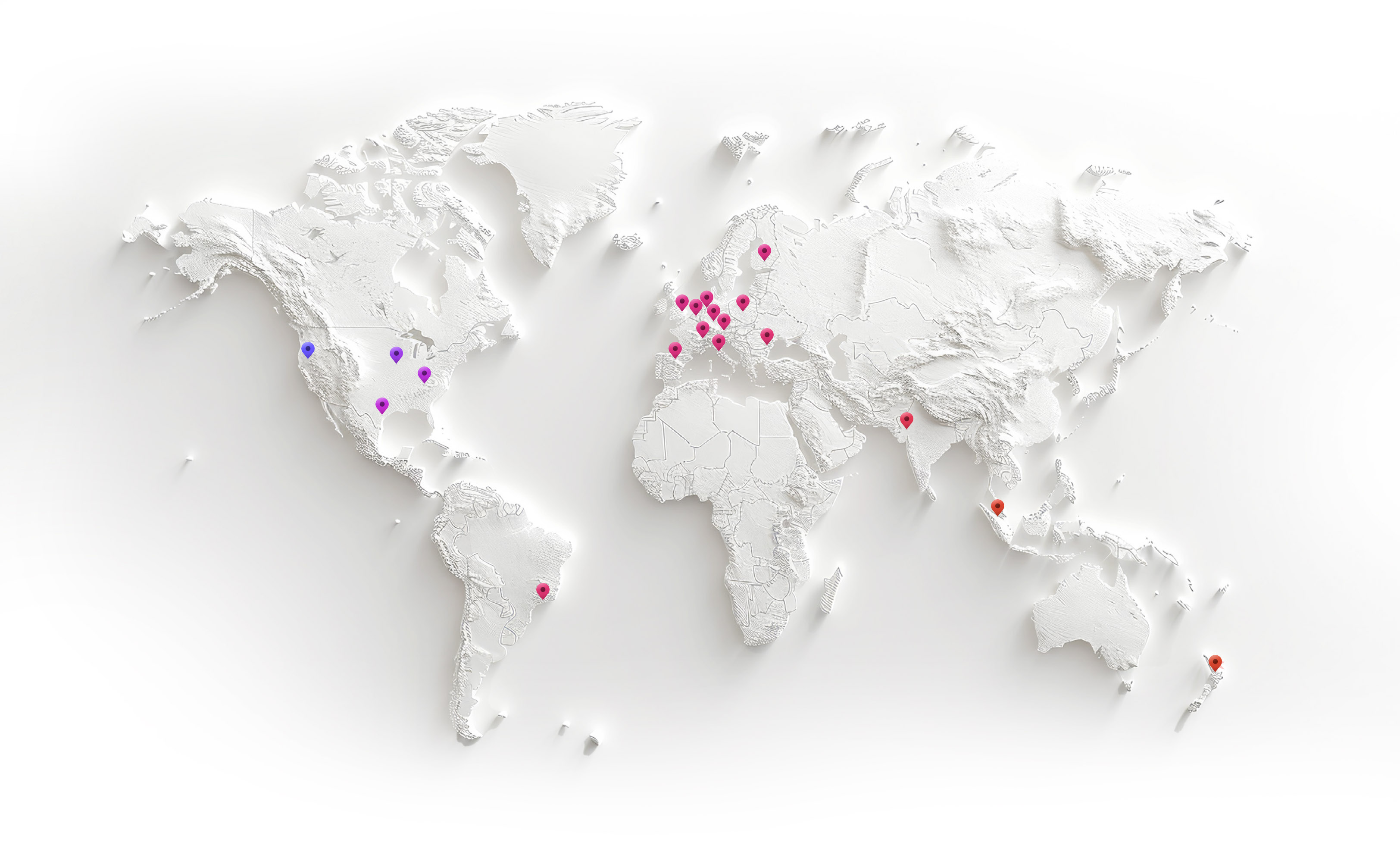

Book a demo
Curious to see how TenForce can make your workday easier? Book a demo, and we’ll show you what our EHSQ platform can do! One of our in-house experts will guide you through the ins and outs, showing you exactly how TenForce can tackle your challenges, whether it’s managing safety, streamlining compliance, or keeping quality in check.
So, choose a time that works for you, and let’s explore how TenForce fits into your day-to-day.
Ask us questions. Get clear answers. Share the recording with your colleagues.