Are you struggling to keep change in check?
Management of Change Software for High-Risk Operations
Control change requests, risks, and approvals in one system
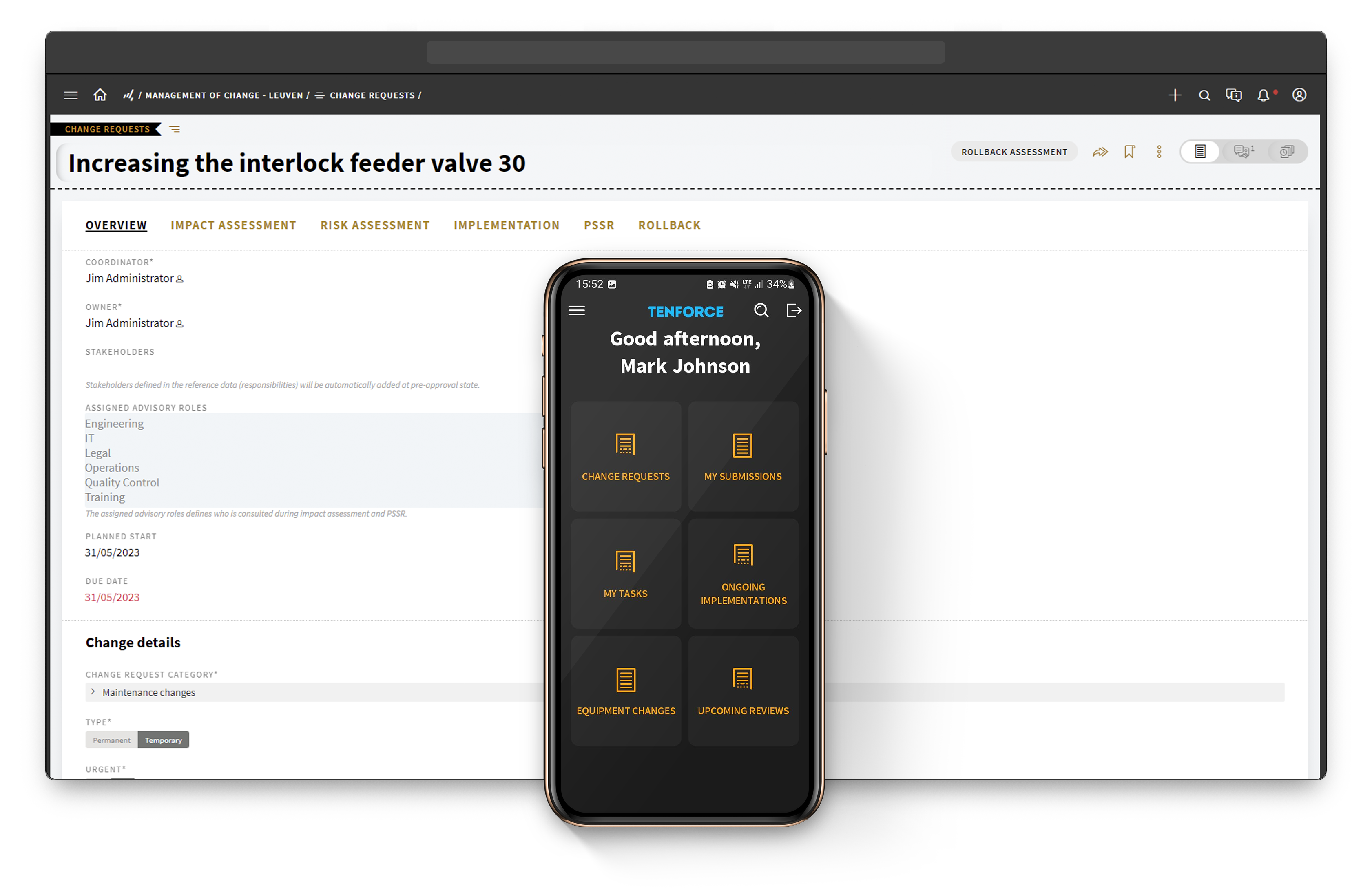

Follow a structured management of change process for every change
1
Create Change Request
- Record change request details, define the scope and specify the expected outcome
- Determine the urgency of the change and designate a request as permanent or temporary
- Assign stakeholders based on category, type and urgency of the change request
2
Impact Assessment
- Identify the potential impact of the change on the facility, equipment and personnel
- Assess the impact on process safety, occupational safety, and environmental safety
- Identify any changes that will be required to mitigate the impact
3
Hazard Assessment and Controls
- Identify and evaluate any new or changed hazards associated with the change
- Determine the need for additional infrastructure or controls to manage the hazards
- Develop and implement any necessary hazard controls, such as process modifications, equipment upgrades, PPE requirements, or procedural changes
4
Implementation and Action Plan
- Develop a detailed plan, including all necessary approvals, resources and timelines
- Define action items and assign them to the correct stakeholders with due dates attached
- Approve and execute all actions, monitor progress and trigger escalations for delays
5
PSSR (Pre-Start-up Safety Review)
- Confirm that all new or modified equipment and processes have been tested
- Ensure hazard controls have been implemented and are effective
- Verify that relevant personnel have been trained in new or modified equipment or procedures
6
Effectiveness Check, Analysis and Reporting
- Answer the effectiveness check questions to evaluate the overall success of the change
- Report on individual change requests or aggregate reporting
- Identify trends through a variety of parameters
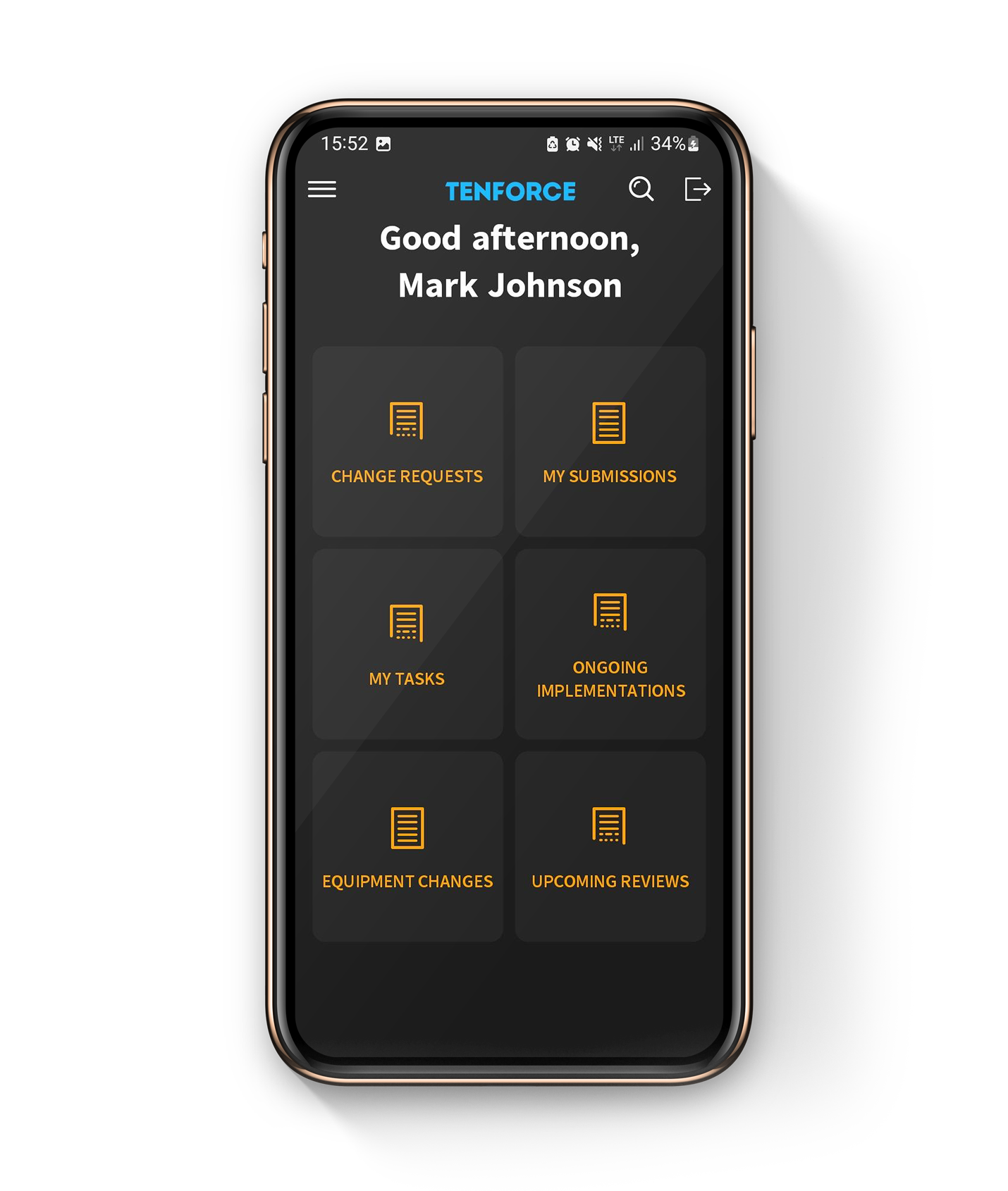
Track change requests and approvals across the organization
Streamline Complex Workflows
Automate change management from start to finish, ensuring consistency with standardized workflows. Eliminate manual errors and gain facility-wide visibility using a single system.
Create a Clean Audit Trail
Ensure compliance and audit-readiness with efficient tracking at every stage of the process. Gain accountability during audits by automating documentation and maintaining clear records of all changes.
Eliminate Overlooked Steps
Utilize customizable checklists to ensure thorough step-by-step processes. Enable real-time follow-up with automated task management. Streamline organization and enhance visibility by centralizing MoC requests in a single library.
Mitigate Risks and Hazards Associated with Change
Conduct standardized impact and risk assessments to track potential impacts, anticipate risks, and consider alternative solutions, ultimately boosting plant safety.
Improve Oversight and Control
Gain access to real-time data through intuitive dashboards and built-in analytics, enabling informed decision-making. Ensure data availability across your entire organization, breaking down barriers to foster teamwork.
72%
Increase in MoCs processed in one year
3x
more MoC approval requests and reviews handled by the assigned approver
TenForce means less paperwork, more transparency, and it’s clearer for everybody involved. The system is capable to keep up with our needs and is flexible enough to change when needed. The system works for us instead of the other way around.
Management of Change resources and best practices
Integrate Management of Change with other EHSQ modules from TenForce
Audit & Inspections
Incident Management
LoTo
Permit to Work
Management of Change
Shift Management
Risk Management
Competence management
Quality management
Contractor Management
SAFETY DATASHEETS
MECHANICAL INTEGRITY
Document control
Complaint Handling
Environmental Management
CAPA
Environmental reporting
Compliance calendar
Chosen by EHS teams managing safety in high-risk workplaces
Our customers rely on TenForce to foster a proactive safety culture and drive continuous process improvement. The outcome? Increased team efficiency, reduced administrative burden, and significant cost savings due to fewer fines and incident-related downtime.

Book a demo
Curious to see how TenForce can make your workday easier? Book a demo, and we’ll show you what our EHSQ platform can do! One of our in-house experts will guide you through the ins and outs, showing you exactly how TenForce can tackle your challenges, whether it’s managing safety, streamlining compliance, or keeping quality in check.
So, choose a time that works for you, and let’s explore how TenForce fits into your day-to-day.
Ask us questions. Get clear answers. Share the recording with your colleagues.