
Are you struggling to keep track of hazardous chemicals in your facility?
Accessible Safety Data Sheets
Find Critical Safety Information Quickly
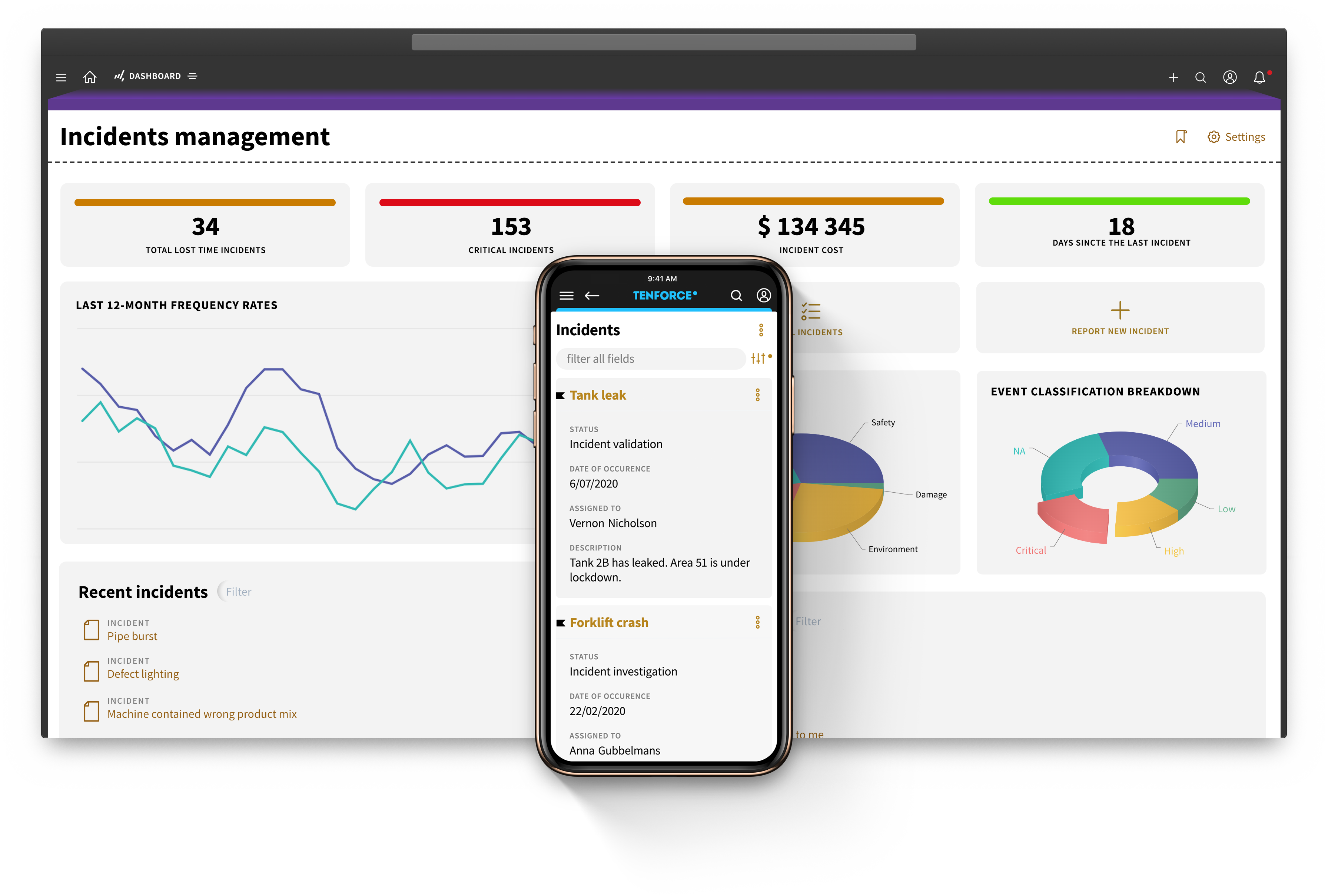

Track the entire chemical lifecycle, from procurement to disposal
1
Identify and map hazards
- Collect comprehensive data on chemical composition, hazards, handling procedures, and regulatory requirements
- Enter data in a structured way, detailing hazard information and precautions
2
Generate, review and distribute SDSs
- Generate safety data sheets that comply with regulations like OSHA's HCS or GHS
- Review documents for accuracy and completeness before approving
- Distribute SDSs electronically to relevant stakeholders
- Provide easy access and comply with record-keeping requirements
3
Store and maintain documents
- Map hazards linked to chemicals and find what you're looking for quickly with advanced filter and search functions
- Provide access to original SDS documents, track changes, manage versions, and identify obsolete versions promptly
- Automate updates and revisions to keep SDS documents current and compliant
4
Manage suppliers
- Keep detailed records of hazardous chemicals from suppliers
- Enter data in a structured way, detailing hazard information and precautions
- Analyze, support, automate, and monitor compliance processes and provisions
Access chemical information in just a few clicks
Manage your chemical inventory with confidence
Simplify your chemical inventory and log new products to assess potential hazards. Maintain an overview of all chemicals on site and automate tracking from procurement to disposal.
Stay up to date with REACH and other regulatory requirements.
Keep your SDS library up to date
Keep safety data sheets current and organized, adding new chemical information with ease. Use custom tags to quickly find what you need and access crucial information anytime, anywhere.
Stay on top of updates with automatic reminders.
Reduce risks with safety precautions
Make your SDS library easily accessible to all employees so they can quickly find safety information and conduct risk assessments.
Update obsolete safety data sheets promptly to reduce accidents and injuries.
Seamlessly integrate with other TenForce modules to unify your EHSQ processes
Audit & Inspections
Incident Management
LoTo
Permit to Work
Management of Change
Shift Management
Risk Management
Competence management
Quality management
Contractor Management
SAFETY DATASHEETS
MECHANICAL INTEGRITY
Document control
Complaint Handling
Environmental Management
CAPA
Environmental reporting
Compliance calendar
Dive deeper into this topic
Make Every Incident Report Count: What’s New in TenForce
Your incident management program might be running smoothly, but could it be running more effectively? Near misses that go unreported, investigations that stop at the first plausible explanation, or corrective actions that don’t quite address the underlying causes can all mean missed opportunities to prevent future incidents.
We’ve made three improvements to TenForce Incident Management to help you close those gaps. You can now make it easier for everyone on-site to report incidents and near misses, investigate several possible causes at once, and link corrective actions directly to the root causes they’re meant to address.…
New in TenForce: A Clearer Way Through Every Workflow
Psychologists use the term flow to describe the state where you’re fully focused on a task. Part of getting there is knowing what you’re doing, how the work fits together, and where you’re heading next. That clarity matters in EHS.
One moment, you might be reviewing an incident. Next, you’re approving a change request. Meanwhile, permit approvals are still waiting for your attention. And many people only use TenForce occasionally, perhaps to take part in an audit or report an incident.…
Bring Short Term Contractors Into Your Permit-to-Work Process
When an agency sends someone for a single job, they probably won’t have a TenForce account. And if they’re only there for the day, setting one up may not make sense. But your team still needs to collect their details, share the job information, and get their sign-off before work starts. And that shouldn’t mean chasing agency emails and paper forms outside your permit workflow.
Our new ad hoc contractor add-on lets you include these workers in your Permit to Work process without setting up regular TenForce accounts.…
From Audit Agenda to Signed Report: What’s New in TenForce
There’s a lot more to running an effective audit than a good checklist. Auditees need to know when they’re involved and what evidence to prepare. Auditors need clear responsibilities and a reliable way to turn findings into action.
The latest updates to TenForce Audits & Inspections help your teams plan, conduct, and close audits with less back and forth by bringing audit types, agendas, roles, findings, actions, and final reporting into one connected process.…
Your peers trust us
Our customers rely on TenForce to foster a proactive safety culture and drive continuous process improvement. The outcome? Increased team efficiency, reduced administrative burden, and significant cost savings due to fewer fines and incident-related downtime.


Book a demo
Curious to see how TenForce can make your workday easier? Book a demo, and we’ll show you what our EHSQ platform can do! One of our in-house experts will guide you through the ins and outs, showing you exactly how TenForce can tackle your challenges, whether it’s managing safety, streamlining compliance, or keeping quality in check.
So, choose a time that works for you, and let’s explore how TenForce fits into your day-to-day.
Ask us questions. Get clear answers. Share the recording with your colleagues.