Outdated documents running wild? Workflows spinning out of control?
Document Control Software for Regulated Environments
Manage document reviews, approvals, and revisions in one system
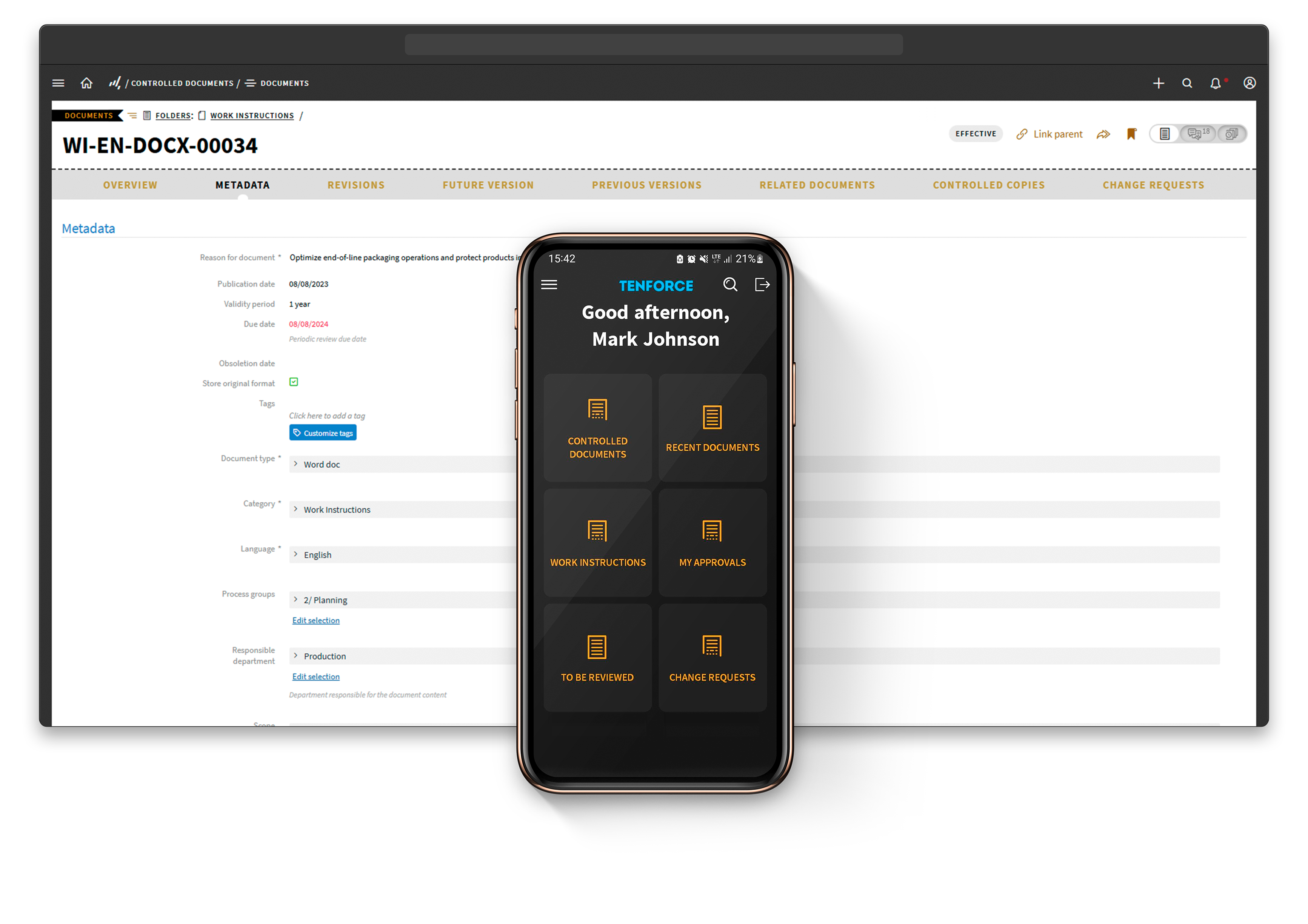




Follow a clear Document Control workflow from draft to approval
1
Create
- Control all documents from SOPs and incident reports to risk assessments, CAPA reports and more
- Input details and metadata for enhanced searchability
- Utilize document templates for speed and consistency
- Upload various document formats
- Organize documents based on processes or departments
- Define clear roles and responsibilities for a smooth review and approval process
2
Review and Approval
- Easily select reviewers and trigger automated notifications for efficient collaboration
- Track revisions, manage version control, and keep a clear audit trail with automated review and approval workflows
- Automated notifications upon document review ensure timely publication or rejection
- Automated reminders expedite pending approvals and maintain workflow momentum
3
Publish
- Automatically notify target audience or user groups
- Utilize predefined distribution lists
- Apply granular document access permissions for precise control
4
Document Control
- Monitor document usage to ensure it has been read and acted upon
- Schedule periodic reviews
- Archive or retire outdated documents
- Record uncontrolled documents to prevent unchecked publication
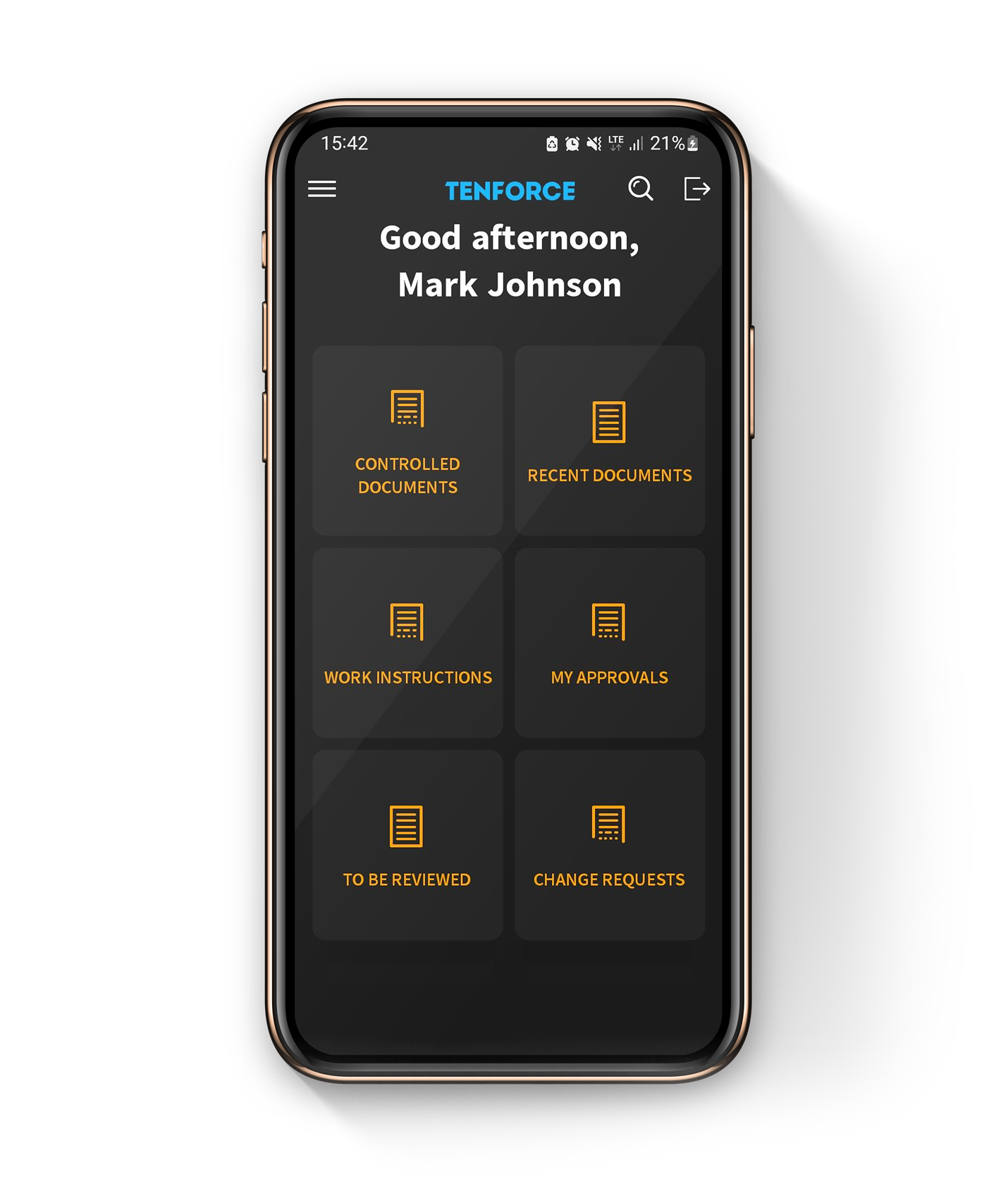
- Access documents conveniently via folders and smart list
- Locate documents using search functionality based on keywords or custom criteria
Keep controlled documents audit-ready and traceable
Improve organization
Eliminate manual processes and reduce errors with a central repository for all your safety documents
Drive efficiencies
Accelerate document circulation and reduce bottlenecks with automated approval workflows.
Prevent outdated documents
Make the most up-to-date information readily available with version control and revision management
Comply with regulations
Ensure that documents go through the necessary review and approval processes to maintain a clear audit trail. Run compliance checks and link documents to relevant compliance reports
Protect sensitive information
Set access controls and user permissions to maintain confidentiality and data integrity
Instant retrieval
Find information fast with advanced search and retrieval capabilities
30%
quicker document approval and revision cycles
20%
reduction in discrepancies or conflicts arising from outdated document versions
HSE management involves dealing with a lot of diverse data and information from different sources, catering to various individuals' needs. Having all this information consolidated in a single platform makes perfect sense, and that's precisely what TenForce provides.

Kees Hommes
Questions and answers
What should Document Control software cover beyond file storage?
Your Document Control software should manage the full document lifecycle, from creation and review to approval, publication and retirement. TenForce connects these stages in one traceable workflow, rather than simply storing files in a shared library.
Which documents can you manage?
You can manage SOPs, work instructions, policies, risk assessments, safety procedures, CAPA reports and other EHSQ documents. Add metadata such as department, process, category and keywords to keep documents organized and searchable.
How does TenForce prevent teams from using outdated documents?
TenForce uses document version control to show which revision is currently approved and effective. When a new version takes effect, the previous one moves into the revision history, helping your teams work from the latest information.
Can you configure document review and approval workflows?
Yes. You can assign authors, reviewers, document managers and approvers, with reviews and approvals completed in the required order. Automated notifications and reminders help prevent documents from getting stuck in someone’s inbox.
Can you schedule periodic document reviews?
Yes. You can set review dates and validity periods for controlled documents. TenForce helps you identify when a document needs review, revision, extension or retirement before outdated information remains in use.
Can you track who has read a new document?
Yes. When you publish a new revision, you can notify the relevant distribution lists and create read-and-acknowledgement tasks. This gives you a record of who received and acknowledged the updated document.
How do you protect confidential or restricted documents?
You can apply role-based permissions to control who can view, create, edit, review or approve documents. This helps you protect sensitive information while giving employees access to the documents relevant to their work.
How does TenForce support ISO document control requirements?
TenForce records document versions, reviews, approvals, publication dates and changes in a clear audit trail. This supports documented information requirements under standards such as ISO 9001, ISO 14001 and ISO 45001. Your organization remains responsible for defining and meeting its specific requirements.
How does Document Control connect with other EHSQ processes?
Document Control is part of the wider TenForce EHSQ platform. You can connect controlled documents with Management of Change, CAPA, Incident Management, Audits and Inspections, Risk Management and Competence Management. This helps you carry procedural and training updates through when an event or operational change requires new documentation.