Are manual processes and poor visibility leaving your auditors frustrated?
Safety Inspections and Audit Management Software for EHS and Quality Teams
Plan, conduct, and document audits and safety inspections across your organization.
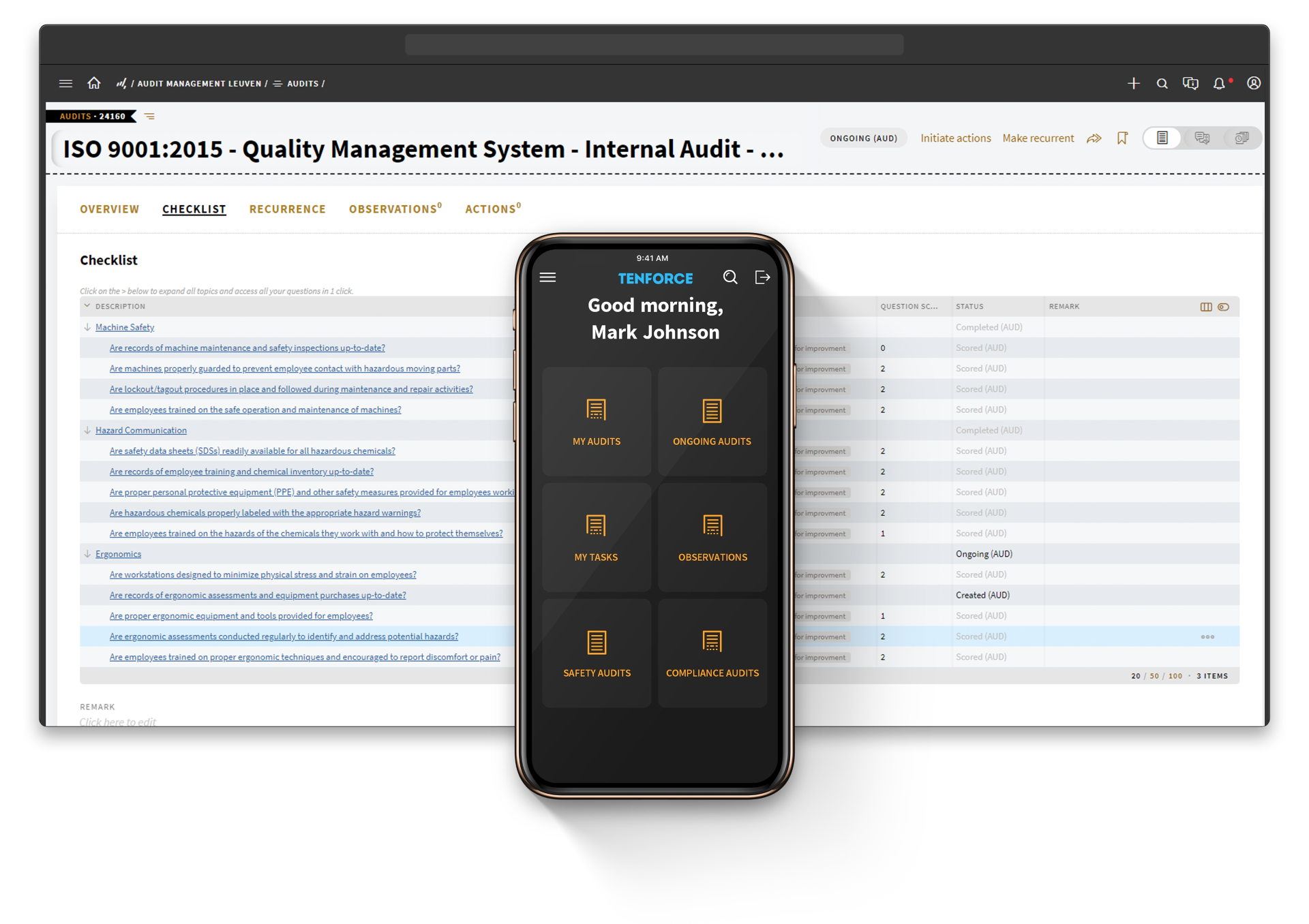

Standardize your audit process across sites
1
Set up your audit environment
- Easily organize and manage the entire audit process
- Map all your auditable entities against common libraries of risks and controls
- Create customized audit templates to align with your EHSQ policies, procedures, and relevant regulations
- Keep your audit library up-to-date, ensuring it adapts to changes in business processes and regulations
2
Plan and prepare for audits
- Create clear audit plans with specific objectives and criteria
- Schedule audits, assign tasks to team members, and rely on automated alerts to keep everyone on track
- Make use of previous audits to streamline preparations
3
Conduct fieldwork and execute audits
- Record your findings, attach detailed observations, and add recommendations using predefined templates
- Enhance your reports by including supporting evidence such as images and cross-referenced documents
- Generate comprehensive audit reports
4
Follow up on issues and non-conformities
- Automatically share nonconformities and remarks with relevant stakeholders
- Prioritize investigations with the automated and collaborative workflow
- Define action plans and track corrective and preventive actions to closure
- Gain a comprehensive view of all corrective and preventive actions per finding and per audit
5
Audit task management
- Empower audit managers to create, assign, and monitor actions efficiently
- Generate tasks for assessment based on the internal audit plan
- Keep the audit on schedule through automated notifications and reminders, with escalations triggered when due dates are not met
- Enable authorized users to easily reopen, reassign, or close in-progress tasks
Follow up on audit findings with clear actions and reports
Centralize your organization’s safety data
Store and manage all of your organization’s audit-related data in a secure, centralized digital system and maintain a 100% audit-ready backup of all your data 24/7.
Streamline audit-related tasks and drive results
Easily assign follow-up tasks related to audit findings. Send employees and supervisors automated email notifications for upcoming, pending, and overdue tasks.
Standardize your audit management process
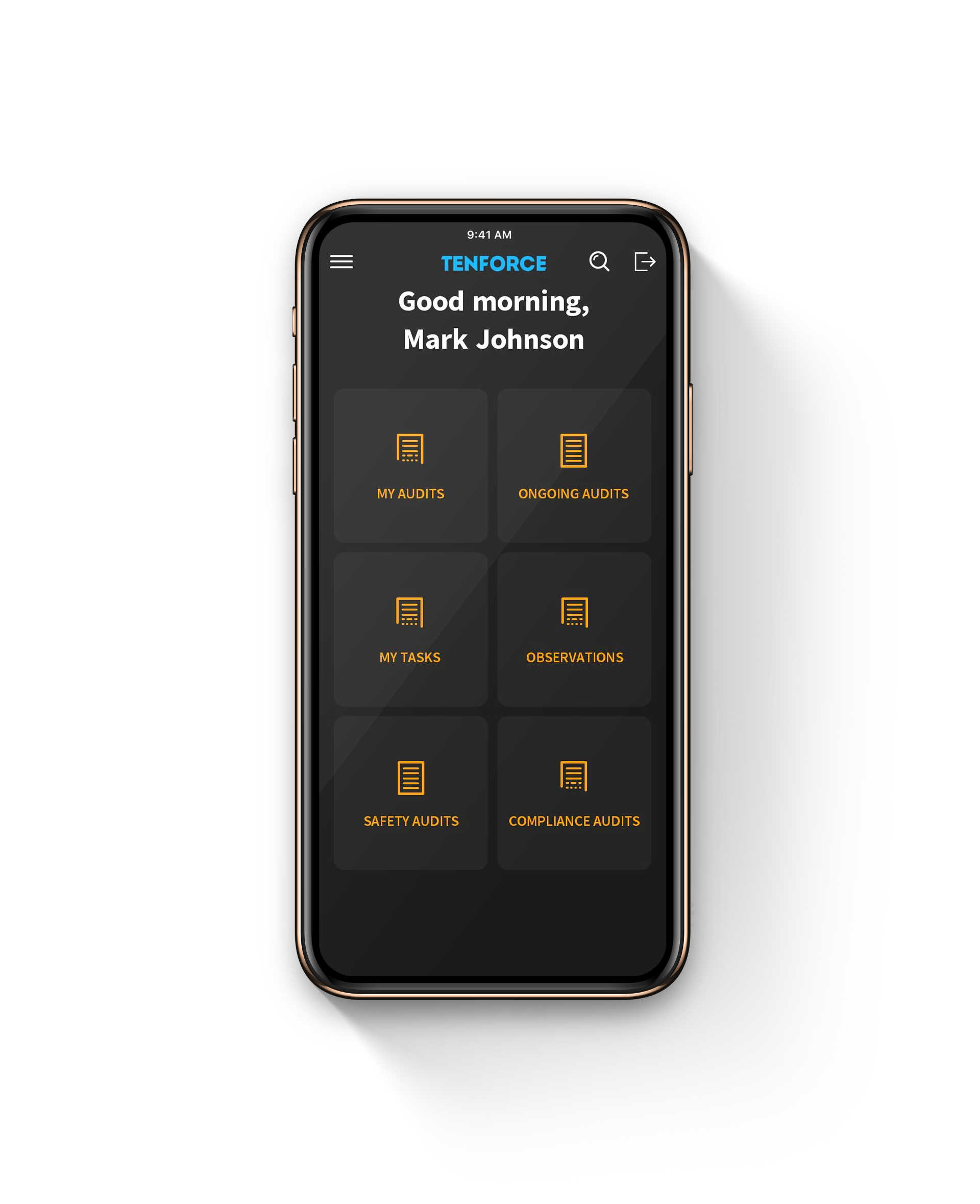
Web-based and mobile functionality allows users from across departments, facilities, and locations to access standard online reporting forms, ensuring consistent audit data is recorded organization-wide.
Gain real time 360° visibility into audit performance
Real-time reports summarize detailed audit information at a glance. Configurable audit dashboards display charts, graphs and tables to quickly identify trends.
50%
boost in audits completed by the same team
80%
coverage of areas to be inspected without expanding the team size
How Proximus scales inspections across roadwork sites
For more than 10 years, Proximus and TenForce have worked together to support mobile-first inspections and audits across fast-moving roadwork and utility sites — on location and remotely.
The result with TenForce
- Consistent inspections across hundreds of temporary sites
- Remote supervision using photos and mobile inputs
- Clear ownership and follow-up for findings and corrective actions
- Trusted by 1,500 active users across quality and safety teams

Questions and answers
What should audit management software cover beyond checklists?
Your audit management software should support the full process, from planning and scheduling to fieldwork, reporting and follow-up. TenForce connects your audit plans, checklists, findings, evidence and corrective actions in one traceable workflow.
Which audits and inspections can you manage?
You can configure TenForce for internal audits, workplace safety inspections, environmental audits, quality audits, compliance assessments and other operational checks. Adapt your templates, questions and workflows to the standards, risks and processes relevant to your organization.
Can you standardize audits across multiple sites?
Yes. You can use shared audit templates and question libraries across sites while allowing for local requirements. This gives you consistent data for multi-site audit management without forcing every facility to work in exactly the same way.
Can your teams complete inspections in the field?
Yes. Your teams can complete digital audit checklists on a mobile device, add photos and supporting documents, and record findings where the work happens. They can also work offline and sync the information when connectivity becomes available.
Can you record findings that aren’t part of the checklist?
Yes. Your teams can complete digital audit checklists on a mobile device, add photos and supporting documents, and record findings where the work happens. They can also work offline and sync the information when connectivity becomes available.
How do you follow up on audit findings and nonconformities?
You can create actions directly from audit questions and findings, then assign an owner, priority and deadline. Automated reminders and escalations help you track corrective and preventive actions (CAPA) through to closure.
Can you schedule recurring audits and inspections?
Yes. You can schedule weekly, monthly, annual or other recurring audits and assign them to the right people. Dashboards and calendar views help you see which audits are upcoming, ongoing, overdue or complete.
How does TenForce support OSHA and ISO audit requirements?
You can configure checklists and workflows around your internal policies and applicable OSHA or ISO requirements, including ISO 9001, ISO 14001 and ISO 45001. TenForce keeps your findings, evidence, actions and changes together, helping you maintain a clear audit trail and prepare for external reviews.
How do Audits and Inspections connect with other EHS processes?
Audits and Inspections is part of the wider TenForce platform. You can connect findings with CAPA, Incident Management, Management of Change, Contractor Management and Document Control. This keeps the full response visible when an audit leads to actions, procedural changes or further investigation.