
Tired of the paperwork bottleneck in your Permit to Work process?
Permit to Work Software for High Risk Operations
Plan, authorize, and control high-risk work with a digital Permit to Work System
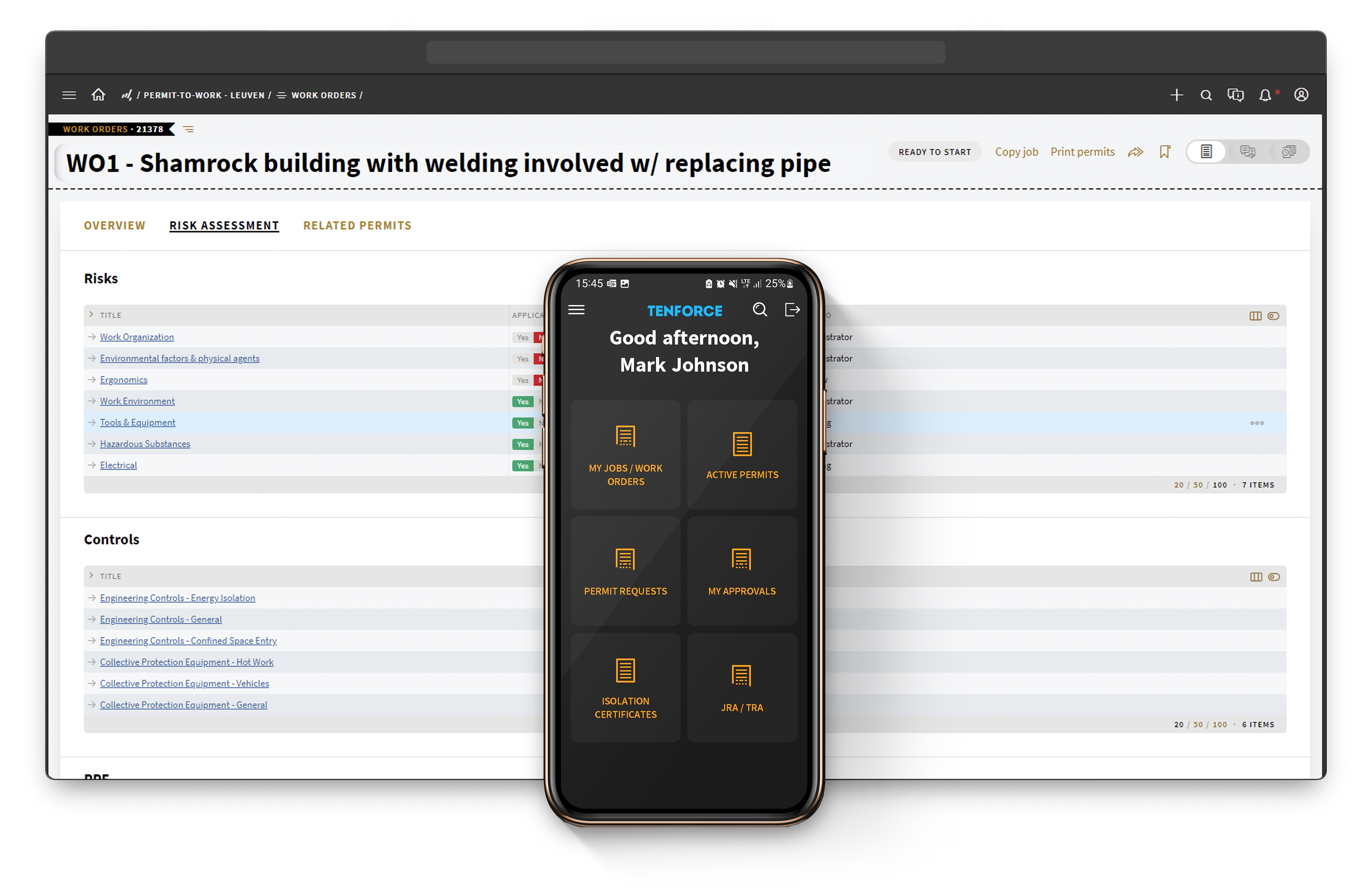




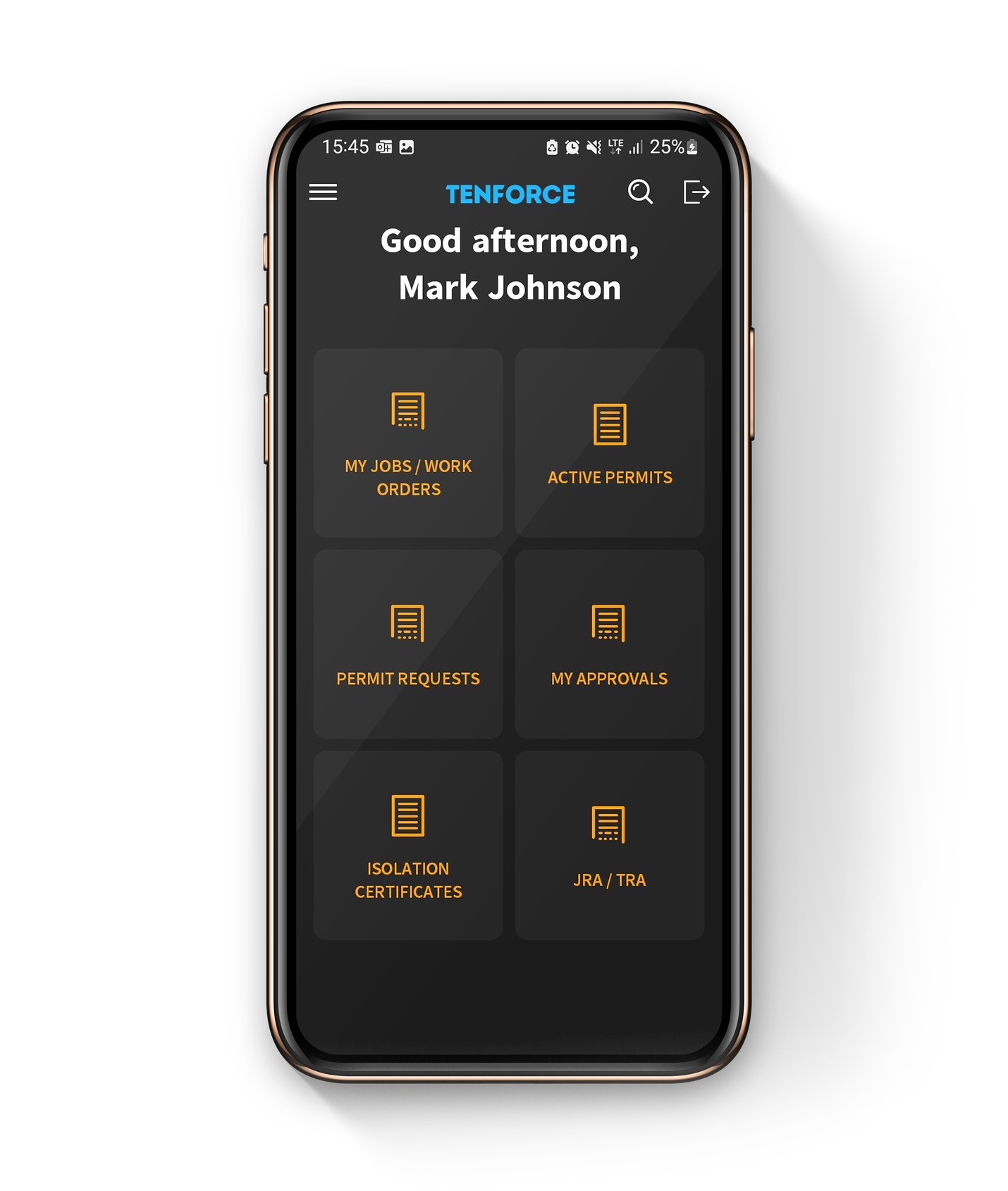
Manage permits, isolations, and SIMOPs in one Permit to Work process
1
Request and Create Permits
- Request a PtW for a specific task, equipment and location using configurable and reusable electronic forms
- Conduct integrated safety assessments (TRA, JSA, ORM)
- Link the PtW to relevant isolations, LoTos, and SIMOPs
- Approve or reject the PtW based on the safety assessments
2
Integrate with Isolation Planning, Lockout/Tagout and SIMOPs
- Identify any equipment or systems that need isolation
- Follow LOTO processes and verify that the equipment is safely secured
- Identify and implement safety measures to manage simultaneous operations
3
Issue the Permit
- Issue the PtW once isolations, LoTo, and SIMOPs are in place
- Include details such as work duration, personnel involved, and safety precautions
- Notify stakeholders with rule-based emails and alerts
4
Complete the Task
- Follow the approved PtW and associated safety measures
- Monitor the status of each task, issuing automated alerts for overdue tasks
- Continuously monitor isolations, LoTo, and SIMOPs to prevent incidents
- Report any deviations, investigate and take corrective actions promptly
5
Close the Loop
- After completing the work, close the PtW
- Verify that all equipment is restored, LoTo is removed, and SIMOPs are ended safely
- Conduct post-job safety assessments
- Monitor active permits, inactive permits and preventive actions from a central overview
Keep high-risk work safe, compliant, and auditable
Minimize the Risk of Human Errors
TenForce automates workflows, providing instant alerts and notifications to help you stay on top of critical tasks. Plus, timely alerts for permit expiry guarantee that work always happens under valid permits. Our electronic, configurable, and reusable forms are built on best practices and encourage quick, accurate and standardized data entry.
Save Time on Administrative Tasks
Leave behind time-consuming paper-based systems as TenForce digitizes every aspect, from creation to approval, processing, and communication, all in real-time. Choose from customizable templates or effortlessly retrieve past forms from our library storage. And, gain access to real-time data and reports, enabling instant insights and quicker decision-making.
Maintain 100% Audit Preparedness
Easily access your permit history and stay updated on regulatory changes, ensuring full compliance with both internal and external regulations. Centralize your permit storage for easy retrieval during audits and incident investigations.
Create a Safe Working Environment
Integrated risk assessments (JSA, TRA, ORM) and real-time data from permits, isolations, hazards, shifts, and SIMOPS enable proactive risk management. Workers can access on-the-go information to ensure they follow procedures correctly, whilst managers benefit from real-time visibility into ongoing and upcoming tasks, enhancing safety and productivity.
4x
faster permit generation
75%
less time spent on PtW process
For even greater efficiency and safety, discover how seamlessly Permit to Work integrates with our Lock Out Tag Out module
Questions and answers
What should Permit to Work software cover beyond digital permits?
Your Permit to Work software should do more than replace paper forms. TenForce connects work orders, risk assessments, hazards, controls, approvals, isolations and SIMOPS in one digital Permit to Work process. This helps you control high-risk work from planning through safe completion.
Which types of work permits can you manage?
You can configure permits for hot work, confined space entry, excavation, lifting, electrical work, work at height and other high-risk activities. You can adapt each permit type to your hazards, approval steps, validity periods and site procedures.
How does TenForce connect hazards with the right controls?
TenForce identifies hazards based on the job, equipment and location. It then applies the relevant controls, PPE and permit requirements. You can also define inherent hazards and mandatory controls, so critical safeguards don’t depend on someone remembering to add them.
How does TenForce help you manage SIMOPS?
TenForce checks for hazardous interactions within a job and across work planned in the same place or at the same time. You define which SIMOPS combinations are allowed with controls, which are forbidden and which require total exclusion. The system checks during planning and again before work starts.
Can you see where permitted work is happening?
Yes. With Site Layout, you can see planned and active work on a visual map of your site. You can mark work areas and safety zones, spot overlapping activities and coordinate contractors, maintenance and operations from one shared view.
What happens if conditions change before work starts?
Workers can complete a Last-Minute Risk Assessment (LMRA) at the worksite. If conditions no longer match the approved permit, they can flag the issue and stop the work. TenForce suspends the permit and sends the job back for reassessment before it can continue.
Can you connect permits with Lockout/Tagout?
Yes. You can link your Permit to Work process with isolation plans and Lockout/Tagout (LOTO). This gives you a clear view of the equipment involved, required isolations and their status before you authorize high-risk maintenance work.
Can you standardize Permit to Work across multiple sites?
Yes. You can standardize permit types, hazard rules, controls and approval stages while adapting workflows to local operations. This supports multi-site control of work across global operations.
How does Permit to Work connect with other EHS processes?
Permit to Work is part of the wider TenForce EHS software platform. You can connect permits with processes such as Lockout/Tagout, Contractor Management, Incident Management, and Shift Management. This gives you a clearer view of the people, hazards, isolations and site activity involved before you authorize high-risk work.
Integrate Permit to Work with other EHSQ modules from TenForce
Audit & Inspections
Incident Management
LoTo
Permit to Work
Management of Change
Shift Management
Risk Management
Competence management
Quality management
Contractor Management
SAFETY DATASHEETS
MECHANICAL INTEGRITY
Document control
Complaint Handling
Environmental Management
CAPA
Environmental reporting
Compliance calendar
Permit to Work resources and best practices
Chosen by EHS teams managing safety in high-risk workplaces
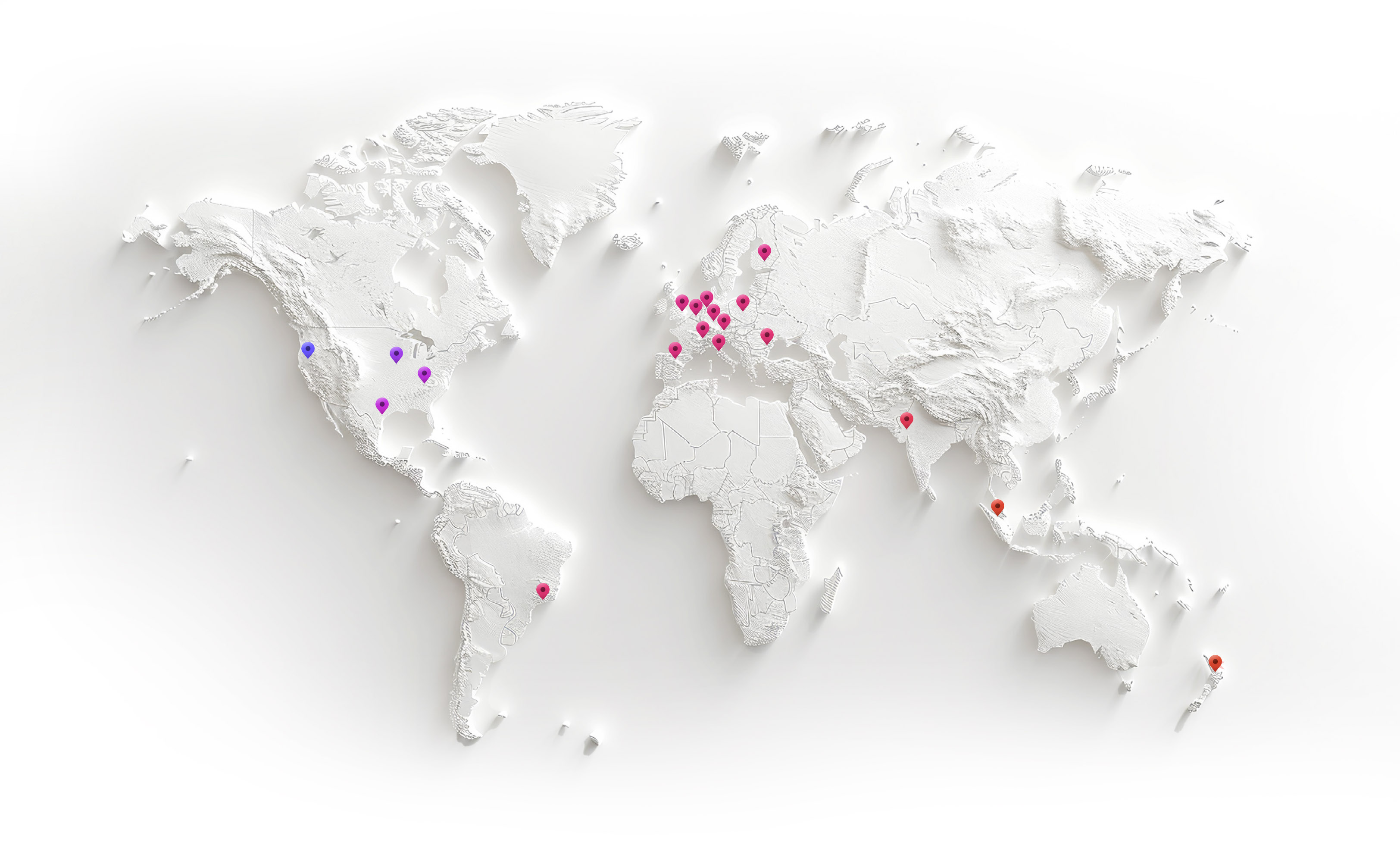
Our customers rely on TenForce to foster a proactive safety culture and drive continuous process improvement. The outcome? Increased team efficiency, reduced administrative burden, and significant cost savings due to fewer fines and incident-related downtime.

Book a demo
Curious to see how TenForce can make your workday easier? Book a demo, and we’ll show you what our EHSQ platform can do! One of our in-house experts will guide you through the ins and outs, showing you exactly how TenForce can tackle your challenges, whether it’s managing safety, streamlining compliance, or keeping quality in check.
So, choose a time that works for you, and let’s explore how TenForce fits into your day-to-day.
Ask us questions. Get clear answers. Share the recording with your colleagues.